

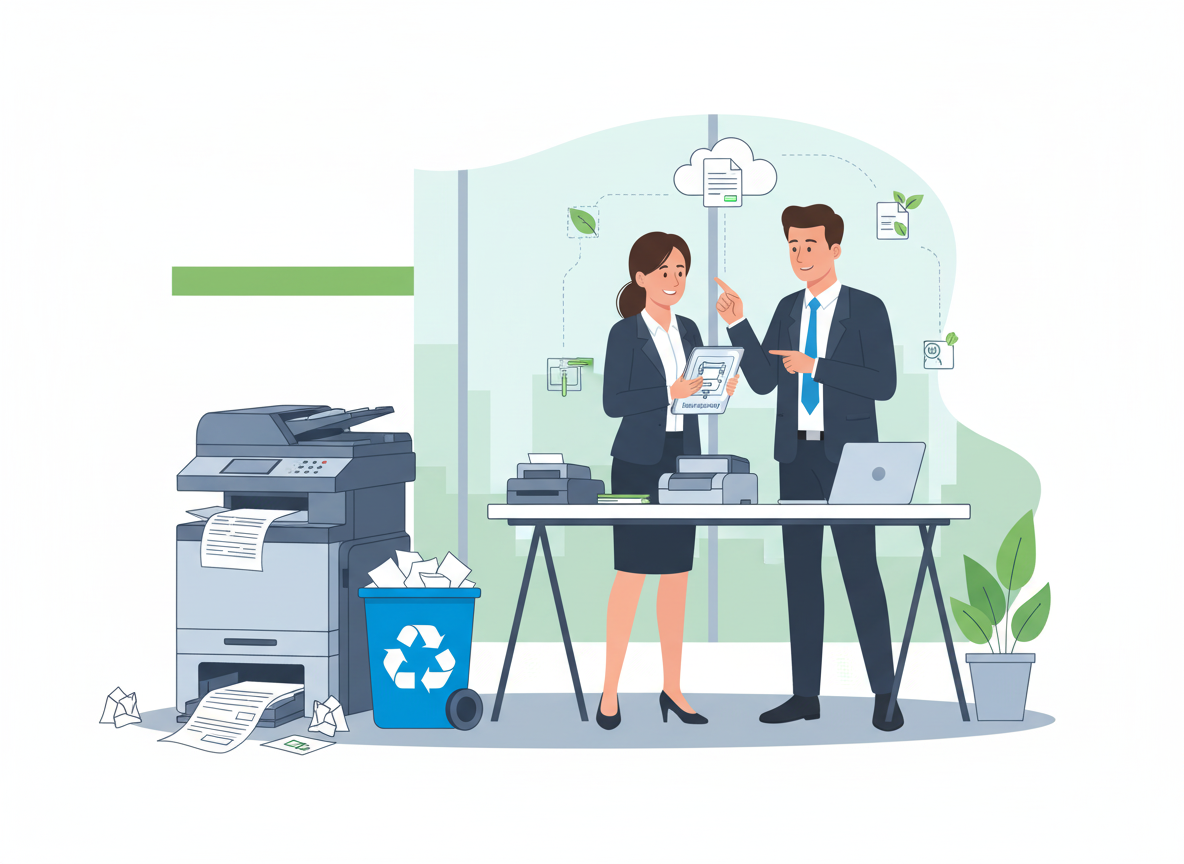
There is a quiet irony in most modern offices. We talk about digital transformation, cloud workflows, and going paperless, yet walk into any supply cupboard and you will find reams of paper stacked to the ceiling. Walk around the desks, and you will find printers overflowing with abandoned print jobs, meeting rooms littered with used flip charts, and recycling bins full of single-sided documents.
The truth is that paper waste remains one of the most overlooked inefficiencies in business. It is not just an environmental issue though the statistics are sobering. It is a direct drain on your bottom line. Every sheet of paper represents a cost: the cost of buying it, storing it, printing on it, and disposing of it. When you add toner, energy, and employee time into the equation, the true cost of that “free” sheet of paper can be 5 to 10 times its purchase price.
Based on environmental research and business efficiency best practices, here is a comprehensive guide to reducing paper waste, saving the planet and your budget in the process.
Step 1: Understand the True Cost of Paper
Before you can reduce waste, you need to understand what waste is actually costing you. Most businesses significantly underestimate this figure because they only look at the purchase price of a ream.
- The Visible Cost:
A standard box of 2,500 sheets of copier paper costs roughly £12-18. That seems negligible. But a business that goes through 10 boxes a month could be spending over £2,000 per year on paper alone. - The Hidden Costs:
According to environmental research, the hidden costs of paper can multiply the visible cost by 5 to 10 times.- Toner and Ink: Toner is significantly more expensive than paper. A single toner cartridge can cost £50–£100 and print 5,000–10,000 pages. Wasted pages = wasted toner.
- Energy: Printing, copying, and scanning require electricity. Every unnecessary page consumes energy twice, once to create it, once to recycle it.
- Storage: Paper takes up physical space. Filing cabinets, storage boxes, and archive rooms cost money in rent. A single four-drawer filing cabinet can cost hundreds of pounds per year in floor space.
- Labour: The time employees spend managing paper, filing, retrieving, photocopying, and disposing, is often the largest hidden cost. Studies suggest organisations spend £120 in labour to file £1 worth of paper.
- Postage and Shipping: If you are mailing documents, every extra page increases postage costs.
- The Environmental Cost:
The paper industry is the fourth largest contributor to greenhouse gas emissions globally. A single sheet of A4 paper requires approximately 10 litres of water to manufacture. In the UK, office waste is still predominantly paper, accounting for over 40% of commercial waste streams. When paper decomposes in landfills, it releases methane, a potent greenhouse gas.
What Other Companies Do:
Forward-thinking businesses calculate their “cost per page” across the entire organisation. They then track how many pages are printed monthly and multiply by that cost. This gives them a baseline metric to improve against and a clear financial incentive to reduce it.
- Embrace True Digital Workflows
The phrase “go paperless” has been thrown around for decades, but for many businesses, it remains an aspiration rather than a reality. The key is not to eliminate paper overnight, but to systematically replace paper-based processes with digital alternatives.
- Digitise Incoming Mail:
Instead of circulating physical mail around the office, invest in a document scanner. Scan all incoming post and distribute it via email or a shared drive. The physical copies can then be securely shredded and recycled. This single change can eliminate mountains of paper from office circulation. - Move Approvals and Signatures Online:
If you are still printing documents for signatures, you are wasting time and money. E-signature platforms like DocuSign, HelloSign, and Adobe Sign are legally binding, secure, and dramatically faster than physical signing. They eliminate the need to print, sign, scan, and email, a process that can take days and replace it with a five-minute digital workflow. - Adopt Contract Lifecycle Management (CLM):
For businesses that handle many contracts, CLM software is a game-changer. It stores all contracts in a central, searchable repository, automates renewal reminders, and eliminates the need for physical filing cabinets full of signed agreements. - Use Cloud Storage Effectively:
Ensure your team knows how to use cloud storage (OneDrive, Google Drive, Dropbox) properly. Create logical folder structures, set clear naming conventions, and enforce “digital by default” for all new documents. If a document lives in the cloud, there is no need to print it for reference.
Expert Tip: Don’t try to digitise everything at once. Pick one process, incoming mail, or expense approvals, or client onboarding and digitise that completely. Prove it works, then move to the next.
- Configure Printers for Efficiency (The “Nudge” Approach)
Sometimes, the biggest source of paper waste is not deliberate printing, but thoughtless printing. Employees hit “print” out of habit, without considering whether a hard copy is necessary. Smart printer configuration can nudge them toward better behaviour.
- Set Double-Sided as Default:
This is the single most impactful change you can make. Configuring all printers and copiers to duplex (double-sided) printing by default can cut paper consumption by up to 50% overnight. Most employees won’t change it back, they’ll just accept the default. - Require Print Release Codes:
Implement “secure print” or “pull printing” where users must swipe an ID card or enter a code at the device to release their job. This eliminates the “print and forget” problem, where hundreds of pages sit in output trays unclaimed and eventually get thrown away. Studies show this can reduce paper waste by 15–20%. - Remove Personal Printers:
Personal desktop printers are notoriously inefficient. They are rarely configured for duplex, they use expensive cartridges, and they encourage wasteful printing. Removing them and centralising printing on managed multifunction devices gives you control over defaults, tracking, and efficiency. - Set Black-and-White as Default:
Colour printing is significantly more expensive than black and white. Set printers to default to monochrome, requiring users to consciously select colour when it is genuinely needed. This saves both toner and the temptation to print colour documents unnecessarily.
What Other Companies Do:
Organisations with mature print management don’t just set defaults and hope. They use print management software to track usage by department, user, and device. They can see exactly who is printing what, identify outliers, and target training or interventions where they are needed most.
- Reduce at the Source: Procurement and Consumption
The cheapest sheet of paper is the one you never buy. Reducing consumption at the source requires a shift in how you procure and how your team thinks about paper.
- Buy Recycled Paper:
When you do need paper, buy 100% recycled or FSC-certified paper. It performs just as well as virgin paper in modern office equipment and sends a clear signal about your environmental priorities. Many suppliers now offer competitive pricing on recycled stock. - Right-Size Your Orders:
Bulk buying paper saves money, but only if you use it. Paper left in storage too long can absorb moisture, leading to jams and poor print quality. Match your ordering frequency to your actual usage patterns. - Create a “Single-Sided” Tray:
Place a tray next to each printer labelled “Single-Sided, Use for Drafts.” Employees can deposit single-sided misprints or drafts in this tray, and others can use that paper for internal printing, note-taking, or draft documents. This gives paper a second life before recycling. - Encourage Digital Note-Taking:
Provide employees with tools that make digital note-taking easy. OneNote, Notability, and even simple Word documents can replace physical notepads. For those who prefer handwriting, consider investing in a reMarkable tablet or similar e-ink device that feels like paper but is entirely digital.
- Rethink Meetings and Presentations
Meetings are a major source of paper waste. Agendas, handouts, reports, and presentations are often printed “just in case,” only to be left behind in the meeting room or thrown away immediately after.
- Go Digital in Meetings:
Ban printed handouts. Share agendas and documents via email or a shared drive before the meeting, and ask attendees to bring their own devices (laptops or tablets) to reference them . For those without devices, have a few printed copies available on request, rather than for everyone. - Use Meeting Room Technology:
Invest in screen-sharing and collaboration tools that allow everyone to view the same document simultaneously. Wireless presentation systems (like ClickShare or Microsoft Teams Rooms) make it easy to share content without printing . - Stop Printing Presentations:
If you are presenting to clients or stakeholders, resist the urge to print copies of your slide deck. Send a PDF after the meeting instead. Not only does this save paper, but it also ensures they have the most up-to-date version, not the version you printed before last-minute changes.
Expert Tip: Make it a policy. Put a notice in every meeting room: “This is a paperless room. Please do not print materials for this meeting. Digital copies are available [here].”
- Close the Loop: Recycle Everything You Can’t Eliminate
Despite your best efforts, some paper will still be used. The final step is ensuring that every sheet that enters your office leaves it via the recycling bin, not the landfill.
- Make Recycling Easy:
Place clearly labelled recycling bins next to every printer, every desk, and in every meeting room. If the recycling bin is as accessible as the general waste bin or more so, people will use it. - Secure Shredding and Recycling:
For confidential documents, use a professional shredding service that guarantees the shredded paper is recycled. Many services provide locked consoles for secure storage and a certificate of destruction for compliance. - Educate Your Team:
Ensure everyone knows what can and cannot be recycled. A brief training session or a simple poster near the bins can prevent contamination (like plastic windows from envelopes or sticky notes) that can spoil an entire batch of recycling.
The Financial and Environmental Payoff
Let’s put some numbers on what all this can achieve.
- A medium-sized business (50 employees) printing 10,000 pages per month might spend approximately £6,000 per year on paper and toner.
- By implementing duplex defaults, secure print release, and digital workflows, they can realistically reduce print volume by 30%, saving £1,800 annually.
- When you factor in the hidden costs (labour, storage, energy), the true saving is likely double or triple that figure.
Environmentally, those 3,000 fewer pages per month represent:
- 30,000 litres of water saved
- Significant reduction in carbon emissions
- Dozens of trees left standing
The Bottom Line
Reducing paper waste is not about making a grand, symbolic gesture. It is about systematically identifying inefficiencies and replacing them with smarter, digital alternatives. Every sheet of paper you don’t use saves you money, saves your team time, and saves the planet from unnecessary resource depletion.
The tools and strategies exist. The business case is overwhelming. The only question left is: what are you waiting for?