

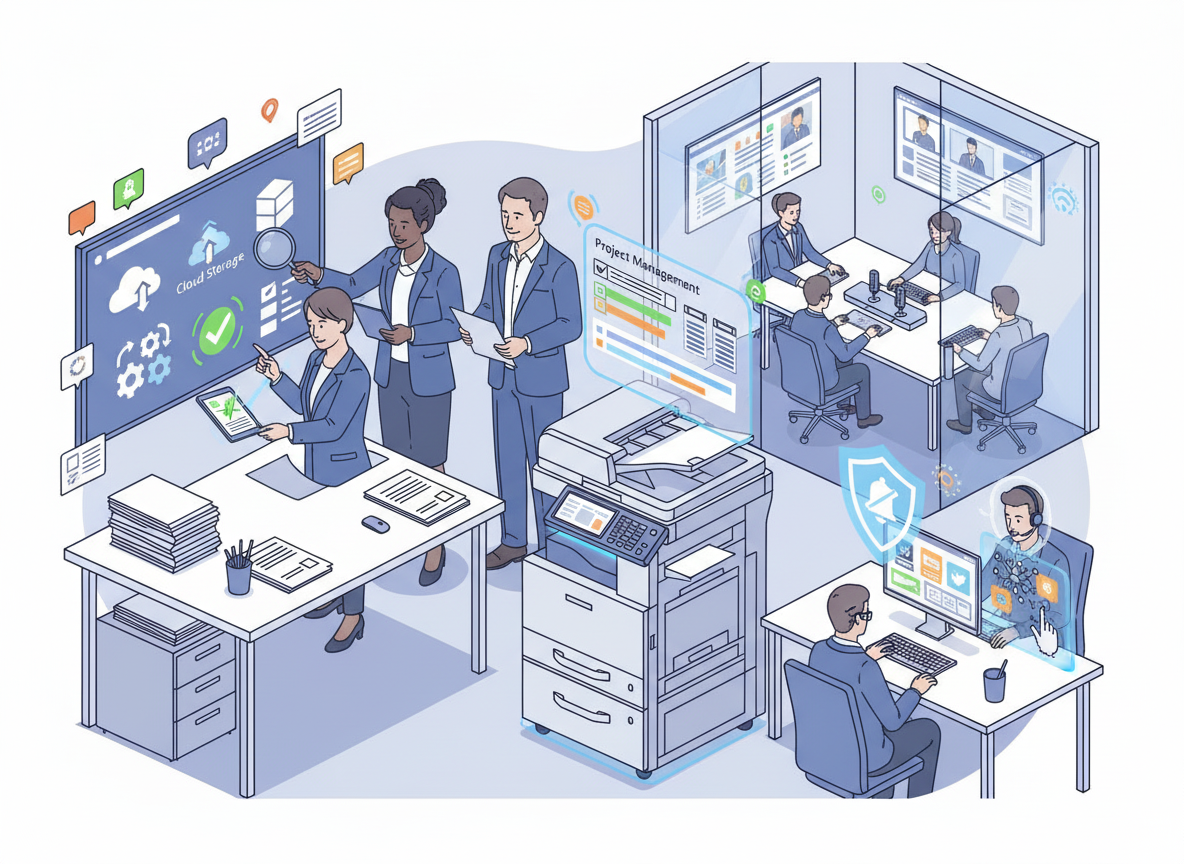
Productivity is the lifeblood of any business. Yet, for many organisations, the modern office is filled with friction, small, daily inefficiencies that drain time, energy, and focus. A printer that jams at the worst moment. A meeting where half the participants cannot hear the remote attendee. A file that takes ten minutes to find because the shared drive is a labyrinth of poorly named folders. Individually, these frustrations are minor. Collectively, they add up to hours of lost productivity each week.
The good news is that smart technology, when chosen and implemented thoughtfully, can eliminate this friction. The goal is not to add more technology for its own sake, but to deploy tools that remove obstacles, automate routine tasks, and create an environment where your team can focus on the work that actually matters.
Based on insights from workplace technology experts and productivity research, here are ten ways to boost office productivity with smart technology.
- Embrace E-Signatures to Eliminate Paper Bottlenecks
Few processes kill productivity quite like the paper-based signature. A contract is drafted, printed, physically signed, scanned, emailed, printed again for the next signatory, signed, scanned again, and finally filed. This process can take days, involves multiple touchpoints, and creates endless opportunities for delays.
- The Smart Solution:
E-signature platforms like DocuSign, HelloSign (now Dropbox Sign), and Adobe Sign transform this process. A document is sent electronically. Signatories receive an email, click a link, sign on their device (phone, tablet, or computer), and the completed document is automatically returned to all parties and stored in the cloud. - Productivity Impact:
- What took days now takes minutes.
- No printing, scanning, or physical filing.
- Documents can be signed from anywhere, ideal for hybrid and remote teams.
- Audit trails provide legal proof of signing without manual record-keeping.
- Smart Implementation:
Integrate e-signatures with your existing tools. Most platforms integrate directly with Microsoft 365, Google Workspace, and common CRMs, allowing you to send documents for signature without leaving your workflow.
- Deploy a Managed Print Service (MPS) to Eliminate Printer Friction
The office printer is one of the most persistent sources of productivity drag. Toner runs out. Machines jam. Someone has to order supplies, troubleshoot errors, and call for repairs. Every minute spent dealing with the printer is a minute not spent on productive work.
- The Smart Solution:
A Managed Print Service shifts all print-related responsibility to a provider. Supplies are delivered automatically before you run out. Maintenance is proactive, not reactive. Devices are monitored remotely, and issues are often resolved before you even notice them. - Productivity Impact:
- No more emergency toner runs.
- No more waiting for a technician while work stacks up.
- No more administrative time spent managing multiple print-related vendors.
- Your team simply prints, and it works.
- Smart Implementation:
Choose an MPS provider who offers remote monitoring, transparent pricing, and a clear Service Level Agreement (SLA) for response times. For many businesses, the productivity gain alone justifies the investment.
- Standardise on a Single Cloud Storage Platform
A common productivity killer is the “where did I save that?” problem. Teams using a mix of OneDrive, Google Drive, Dropbox, and local hard drives waste countless minutes searching for documents.
- The Smart Solution:
Choose a single cloud storage platform as your organisation’s “source of truth.” Standardise on Microsoft OneDrive/SharePoint, Google Drive, or Dropbox, and enforce its use. - Productivity Impact:
- Files are always accessible from any device, anywhere.
- Real-time collaboration eliminates the “email me the latest version” dance.
- Search functions find documents instantly, not after ten minutes of clicking through folders.
- Version history means you never lose work to accidental overwrites.
- Smart Implementation:
Create a clear folder structure and naming convention. Train your team on it. Use the platform’s sync feature so files are available on desktops without needing to manually upload.
- Automate Repetitive Administrative Tasks
Your team spends hours on tasks that do not require human judgment, data entry, invoice processing, report generation, scheduling. Every minute spent on these tasks is a minute not spent on strategic work.
- The Smart Solution:
Use automation tools to handle repetitive, rule-based tasks.- Zapier and Make connect different apps and automate workflows (e.g., “When I receive an email with an attachment, save it to Google Drive and notify me in Slack”).
- Power Automate (Microsoft) integrates deeply with the Microsoft ecosystem.
- Accounting software (Xero, QuickBooks) automates invoice generation, payment reminders, and reconciliation.
- Productivity Impact:
- Hours of manual work reduced to minutes.
- Reduced error rates (automated processes do not make typos).
- Employees freed up for higher-value work.
- Smart Implementation:
Start with one process that frustrates your team most. Automate it. Prove the value. Then move to the next.
- Equip Meeting Rooms for True Hybrid Collaboration
The worst meetings are those where half the participants are in the room and half are on a screen, and neither group can hear or see each other properly. These meetings waste everyone’s time.
- The Smart Solution:
Invest in meeting room technology designed for hybrid work.- High-quality cameras with AI-driven framing that automatically focuses on active speakers.
- Beamforming microphones that pick up voices clearly from anywhere in the room.
- Speaker bars (like the Logitech Rally Bar or Jabra PanaCast) that combine audio and video in a single device.
- Wireless presentation systems (like ClickShare) that allow anyone to share their screen without cables.
- Productivity Impact:
- Meetings start on time (no fiddling with cables or audio settings).
- Remote participants feel included and can contribute fully.
- Decisions are made faster because everyone is on the same page.
- Smart Implementation:
Standardise on a single platform (Microsoft Teams Rooms or Zoom Rooms) and equip every meeting space consistently. This reduces the learning curve and ensures a predictable experience.
- Use AI-Powered Tools to Accelerate Knowledge Work
Artificial intelligence is no longer a futuristic concept; it is a practical tool for accelerating everyday knowledge work.
- The Smart Solution:
- Microsoft Copilot integrates AI directly into Word, Excel, PowerPoint, and Outlook. It can draft emails, summarise long documents, create presentations from prompts, and analyse data in spreadsheets.
- Otter.ai or Fireflies.ai automatically transcribe meetings, generate summaries, and identify action items, so participants can focus on the conversation rather than note-taking.
- Grammarly or Writer provide real-time writing assistance, reducing time spent editing emails and documents.
- Productivity Impact:
- First drafts are faster.
- Meeting notes are automatically captured and shared.
- Data analysis that once took hours can be done in minutes with natural language prompts.
- Smart Implementation:
Provide training on AI tools. Most employees will not adopt them without understanding how they can save time. Start with one tool (like Copilot or meeting transcription) and encourage experimentation.
- Centralise Communication with a Single Platform
Email chains, Slack messages, WhatsApp groups, text messages, and hallway conversations, when communication is fragmented, information gets lost, decisions are delayed, and employees waste time catching up.
- The Smart Solution:
Standardise on a single primary communication platform.- Microsoft Teams or Slack serve as a central hub for chat, video calls, file sharing, and even project management.
- Channels organise conversations by topic or project, making it easy to find relevant information later.
- Integration with other tools (calendars, project management software, CRMs) keeps everything connected.
- Productivity Impact:
- Reduced email volume.
- Faster answers to questions.
- Information is searchable, not buried in inboxes.
- Remote and hybrid teams feel more connected.
- Smart Implementation:
Establish clear norms. What goes in a channel versus a direct message? What is the expected response time? Which platform is used for what purpose? Consistency matters more than the platform itself.
- Implement a Centralised Project Management Tool
When projects are managed via email, spreadsheets, and scattered notes, it is nearly impossible to track progress, assign accountability, or know what is due when.
- The Smart Solution:
Adopt a project management tool that provides visibility across all work.- Asana, Trello, Monday.com, and ClickUp offer visual boards, task assignments, due dates, and progress tracking.
- Tools like Notion combine documentation, project tracking, and knowledge management in one place.
- Productivity Impact:
- Everyone knows what they need to do and by when.
- No more “what’s the status of that project?” emails.
- Progress is visible to all stakeholders without time-consuming status meetings.
- Historical records of completed projects inform future work.
- Smart Implementation:
Start with one team or one project. Implement consistently. Once the team sees the value, expand across the organisation.
- Use Smart Scheduling Tools to Eliminate Meeting Back-and-Forth
The simple act of scheduling a meeting can generate a dozen emails, days of delay, and significant frustration.
- The Smart Solution:
Use smart scheduling tools that integrate with your calendar.- Calendly, Microsoft Bookings, or Caledar allow others to book time directly into your calendar based on your availability.
- These tools handle time zones automatically, send reminders, and sync with video conferencing platforms.
- Productivity Impact:
- Meetings scheduled in seconds, not days.
- No more “does Tuesday at 2 work for you?” email chains.
- Reduced cognitive load from managing calendar coordination.
- Smart Implementation:
Encourage all team members to set up a scheduling link. Make it standard practice to send links rather than negotiating times via email.
- Reduce Information Overload with Intelligent Filtering
The modern knowledge worker is inundated with information, emails, notifications, messages, alerts. This constant stream of interruptions is one of the biggest drains on deep work and focused productivity.
- The Smart Solution:
Use technology to filter, not just deliver, information.- Email rules and folders automatically sort incoming messages.
- Focus modes (available in Windows, macOS, iOS, and Android) silence non-essential notifications during deep work blocks.
- Newsletter aggregators (like Meco or Unroll.me) remove email newsletters from your inbox and present them in a digest format.
- AI-powered email prioritisation (like Outlook’s Focused Inbox) surfaces important messages while tucking less urgent ones away.
- Productivity Impact:
- Fewer interruptions mean more time for focused work.
- Reduced cognitive load from constantly triaging messages.
- Employees feel more in control of their time.
- Smart Implementation:
Encourage a culture of asynchronous communication. Not every question requires an immediate answer. Establish norms around notification expectations and respect “do not disturb” time.
Bringing It All Together: The Friction-Free Office
The ten technologies outlined above share a common goal: removing friction. Every tool, process, or system that creates friction, whether it is a printer that jams, a meeting room that does not work, or a file that cannot be found, is a drag on productivity.
Smart technology, when implemented thoughtfully, eliminates that friction. It automates the routine, simplifies the complex, and creates an environment where your team can focus on the work that actually requires human judgment, creativity, and connection.
The key is not to adopt technology for its own sake, but to be intentional. Start with the biggest sources of friction in your office. Ask your team: “What frustrates you most about how we work?” Then choose the technology that solves that specific problem.
Productivity is not about working harder. It is about removing the obstacles that stop you from doing your best work. Smart technology is the tool that makes that possible.