

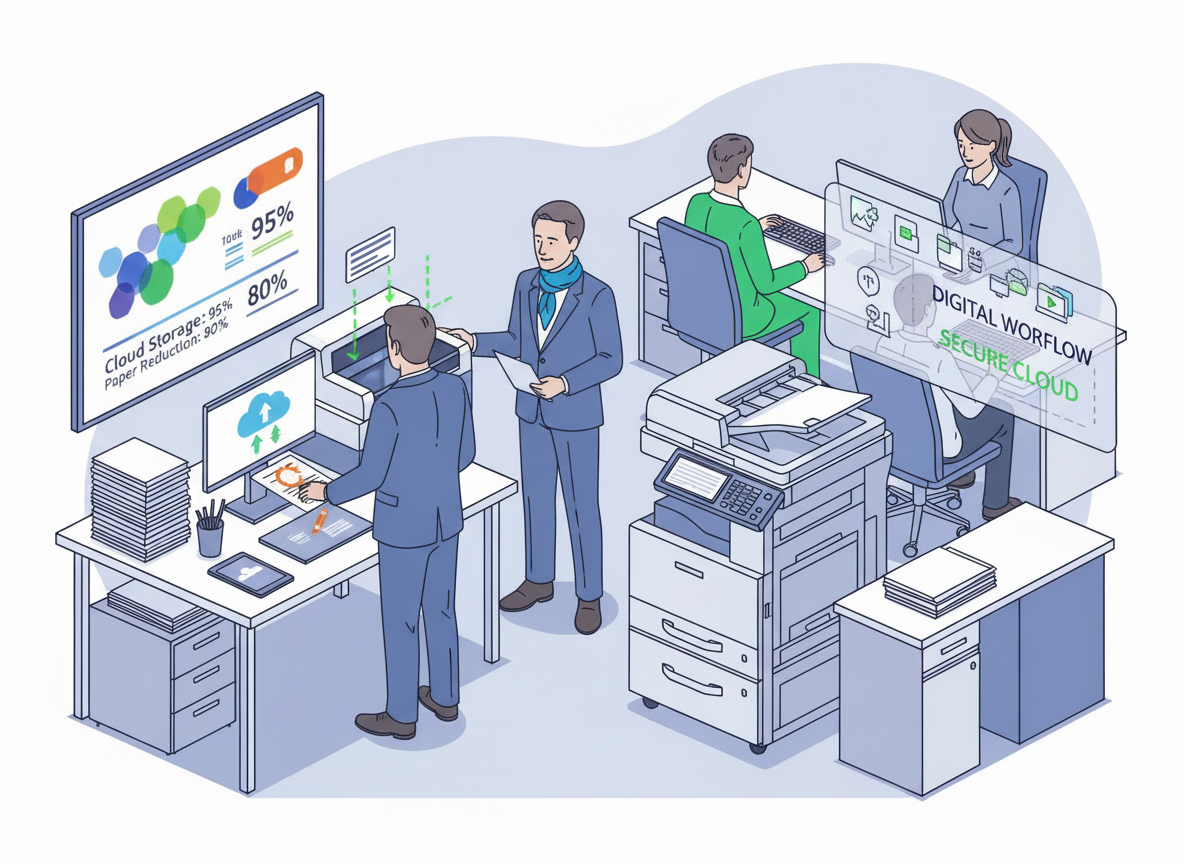
A guide for businesses ready to leave paper behind
Let’s be honest for a moment. Walk into most offices and what’s the first thing you see? Paper. Paper on desks, paper spilling out of filing cabinets, paper waiting by the printer, and paper stuffed into drawers labelled “to file”, untouched since 2019.
Nobody plans to run a paper-heavy business. It just happens. One contract leads to another, invoices stack up, compliance says “keep everything for six years,” and before you know it, your office looks like a storage unit with chairs.
But here’s the good news: going digital isn’t just possible, it’s easier, more affordable, and more practical than ever. And for businesses in the UK, it’s quickly becoming the smartest move you can make.
In this article, we’ll walk through why going digital matters for your business right now, the real benefits you’ll notice within weeks, and, most importantly, a simple, step-by-step way to start without overwhelming your team or your budget.
Why “Digital” Isn’t Just a Buzzword
You’ve heard the term a thousand times. Digital transformation. Paperless office. Workflow automation. It sounds like something only big corporations with six-figure budgets can afford.
But here’s the truth: going digital simply means storing, managing, and sharing your business information using technology instead of paper. That’s it. No robots. No sci-fi. Just smarter ways of doing what you already do.
And for small and medium businesses across the Southeast, the benefits are surprisingly practical.
The Real Cost of Keeping Paper
Let’s start with what’s probably hurting you already, the hidden costs of paper.
Every time someone in your office prints an invoice, files a contract, or hunts for a missing form, your business is spending money. Not just on paper and toner (though that adds up), but on something far more expensive: time.
Think about a typical week in an office:
- Someone spends 20 minutes looking for a client agreement signed last year.
- Another person re-types data from a printed form because it wasn’t saved digitally.
- Your finance team prints, scans, and emails the same purchase order three times because the first two copies went missing.
Individually, these are small frustrations. Together, they cost UK businesses billions every year.
And that’s before we talk about physical storage. Renting office space in London or the home counties isn’t cheap. Every square metre taken up by filing cabinets is square metres you’re paying for but not using productively.
Five Benefits You’ll Notice Immediately
When businesses we work with make the shift to digital, they don’t wait months to see results. Here’s what happens surprisingly fast:
- You stop losing documents
Paper gets lost. It falls behind desks, gets filed in the wrong folder, or accidentally recycled by the cleaner (yes, it happens). Digital documents live in one searchable place. Type a keyword, client name, date, project code, and you’ve found it in seconds.
- Your team gets hours back each week
No more walking to the filing cabinet. No more re-printing lost pages. No more manual data entry. Staff who used to spend 5–10 hours a week on paper-related tasks suddenly have that time for actual work.
- You work better with hybrid teams
Let’s be real, hybrid working is here to stay. But paper doesn’t travel well. If someone’s working from home in St Albans while a contract sits on a desk in your London office, you have a problem. Digital documents live in the cloud. Anyone, anywhere, anytime.
- You impress clients
There’s something about sending a digitally signed proposal or sharing a secure client portal that just feels professional. It tells your customers you’re modern, organised, and serious about what you do.
- You sleep better at night
Compliance, GDPR, audits, these keep business owners awake. Digital systems track who viewed what and when. They create automatic backups. And they don’t burn in a fire or get soaked by a leaking roof (which, let’s face it, happens in older London buildings).
How to Start Going Digital (Without Breaking Your Business)
Now for the part you really want, how to actually do this without chaos.
The biggest mistake businesses make is trying to go digital overnight. They announce, “from Monday, no more paper!” and everything falls apart by Tuesday lunchtime.
Don’t do that.
Instead, follow this simple, four-step approach that works for real offices
Step 1: Pick one process to digitise first
You don’t need to tackle everything at once. Choose a single, repetitive, paper-heavy task that annoys your team.
Good places to start:
- Onboarding new clients (forms, contracts, welcome packs)
- Purchase orders and approvals
- Expenses and reimbursements
- HR documents (holiday requests, sick notes)
Pick one. Just one. Master that before moving on.
Step 2: Choose the right tools (keep it simple)
You don’t need expensive, complex software. Many businesses start with tools they already have:
- Document scanning – Your photocopier probably scans to email or network folders already. Use it.
- Cloud storage – Microsoft OneDrive, Google Drive, or Dropbox. Simple, secure, searchable.
- Digital signatures – Tools like DocuSign or Adobe Sign (often cheaper than you think).
- Document management – When you’re ready, systems like SharePoint, M-Files, or Laserfiche.
Start with scanning and cloud storage. That alone eliminates 60% of paper problems.
Step 3: Set a simple rule for new documents
Here’s a rule that works brilliantly.
“From today, every new document starts digital. Nothing gets printed just to be scanned again.”
If a document arrives on paper (like a signed form from a client), scan it immediately, then file or shred the original (keeping only what’s legally required).
This stops the pile growing while you work on the backlog.
Step 4: Tackle the backlog, but be kind to yourself
You probably have filing cabinets full of old paper. Don’t try to scan it all in a week. That’s a recipe for burnout.
Instead:
- Set a small, regular time each week (e.g., Friday afternoon, 2–4pm)
- Scan only what you truly need, client contracts, financial records, HR files
- Shred or securely dispose of the rest (using a certified shredding service)
Within three months, those cabinets will be noticeably emptier. Within six, you might reclaim an entire room.
What About Security? (A Quick Word)
Every London business owner asks this, and rightly so. After all, you’ve seen the news about data breaches.
Here’s the reassuring truth: digital documents, properly stored, are more secure than paper.
- Paper can be stolen, photographed, or copied without anyone knowing.
- Digital systems have access logs, encryption, and permission controls.
- Cloud providers invest millions in security, far more than any office filing cabinet.
Just follow basic precautions: use strong passwords, enable two-factor authentication, and control who has access to sensitive folders.
When Your Photocopier Fits Into the Picture
You might be wondering, where do your existing office devices fit into all this?
The answer: they’re more important than ever.
A modern digital office still prints sometimes (contracts, presentations, regulatory forms). But your photocopier becomes a scanning hub, not just a printer.
Most modern copiers:
- Scan directly to email, network folders, or cloud services like SharePoint and Google Drive
- Convert paper documents into searchable PDFs (that’s OCR, optical character recognition)
- Handle high volumes quickly, so scanning isn’t a bottleneck
If your current copier can’t do these things, or does them slowly, that’s worth a conversation. Many businesses upgrade specifically to unlock better scanning and digital workflows.
But here’s our advice: don’t upgrade just for the sake of it. First, follow the four steps above. Once you know what you need, then look at your hardware.
Common Fears (And Why They’re Smaller Than You Think)
We hear the same concerns from office managers across the home counties. Let’s address them honestly.
“My team won’t accept change.”
Start small. One process. One win. When people see how much easier their day becomes, they’ll convert themselves.
“It’ll cost too much.”
You can start with tools you already own. Scanning to cloud storage costs nothing extra. Even paid systems often pay for themselves in time saved within weeks.
“What about legal requirements for paper records?”
HMRC and most regulators accept digital copies. Check your specific industry, but for most SMEs, digital is fully compliant.
“I’m not technical.”
You don’t need to be. Modern tools are designed for normal humans. If you can send an email, you can go digital.
Example
A small accountancy firm in Bedford, five staff, 200 clients, was drowning in paper. Filing cabinets lined every wall. Staff spent hours hunting for client records. Hybrid working was a nightmare because key documents lived only in the office.
They followed exactly the approach above:
- First, they digitised client onboarding (digital forms + signatures)
- Next, they scanned all active client files to the cloud (one filing cabinet per week)
- Finally, they set a rule: no new paper files
Within three months, they’d cleared half their filing cabinets. Within six, they’d converted a storage room into an extra desk. Staff reported saving 8–10 hours a week collectively.
The best part? Their clients noticed. Faster responses, easier form-filling, and a more professional experience.
They didn’t spend a fortune. They didn’t hire consultants. They just started, one step at a time.
Your Turn: A Simple Action Plan for This Week
Ready to start? Here’s your , no-pressure action plan for the next seven days:
Monday: Walk around your office and spot the three biggest piles of paper.
Tuesday: Pick one process to digitise first (onboarding, expenses, purchase orders, your choice).
Wednesday: Check what tools you already have (scanner, cloud storage, digital signature options).
Thursday: Scan one small batch of documents, maybe ten pages, just to prove it works.
Friday: Set the “new documents start digital” rule with your team over coffee.
That’s it. No massive overhaul. Just a small, honest start.
And if you get stuck? That’s where local expertise helps. Unlike national call centres, we’re based right here in the South East. When businesses in London, Surrey, Kent, Essex, or Hertfordshire need practical advice on digital workflows, scanning, or the right equipment for the job, we’re just a phone call away.
Final Thoughts
Going digital isn’t about being trendy. It’s about running a smoother, less stressful, more profitable business. It’s about giving your team back hours of their week. It’s about being able to find any document in under thirty seconds. And it’s about setting your business up for the future, whether that’s hybrid working, growth, or just sleeping better at night.
You don’t need a six-figure budget. You don’t need an IT degree. You just need to start.
And the best time to start? Today.
If you’re a business in London, or anywhere across the home counties and you’d like a , no-pressure chat about your current setup, whether that’s scanning, digital workflows, or simply making your photocopier work harder for you, just reach out. We’re local. We’re independent. And we’re here to help.