
A practical guide: Because every pound saved on energy is a pound you can invest elsewhere
Let’s be honest for a moment.
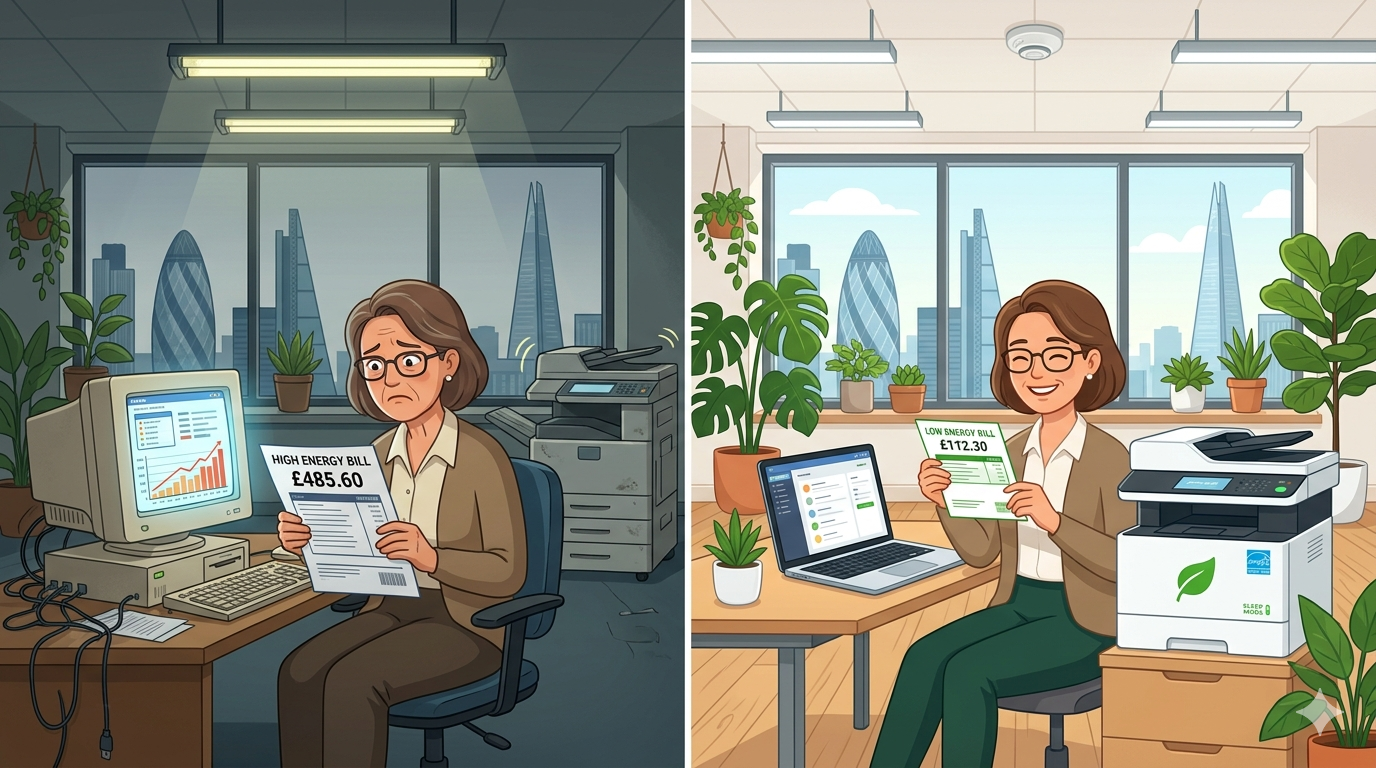
If you’ve opened an energy bill recently you probably didn’t need a second coffee that morning. Energy prices across the UK have climbed dramatically, and for small and medium businesses, those higher costs hit hard.
The heating, the lighting, the computers, the printers, the copiers, the kitchen appliances, it all adds up. And unlike rent or rates, your energy bill is something you can actually do something about.
Here’s the good news: reducing your office energy bills doesn’t mean working by candlelight or banning the kettle. It means making smarter choices about the equipment you use every single day.
In this article, I’ll walk you through practical, affordable ways to cut your office energy costs through better equipment choices. Some of these tips cost nothing. Others involve small investments that pay for themselves surprisingly quickly. And all of them are realistic.
Let’s dive in.
Why Energy Efficiency Matters More Than Ever
Before we get into the how, let’s talk about the why.
According to recent data, small and medium businesses in the UK have seen energy costs rise by 50–100% or more over the last few years. For an average office, that could mean an extra £1,000–5,000 per year just to keep the lights on and the equipment running.
But here’s what’s interesting: much of that energy is wasted.
- Computers left on overnight
- Printers and copiers idling for hours when no one is in the office
- Old, inefficient equipment guzzling power
- Heating and cooling fighting against poor insulation and old appliances
The average office wastes 20–30% of the energy it pays for. That’s not just bad for the planet, it’s bad for your profit margin.
The good news? Smart equipment choices can cut that waste dramatically. And many of those choices pay for themselves within months, not years.
Part One: The Biggest Energy Culprits in Your Office
Let’s start by identifying where your energy is actually going.
In a typical office, energy use breaks down roughly like this:
| Equipment Type | Percentage of Office Energy Use |
| Heating, ventilation, and air conditioning (HVAC) | 30–40% |
| Lighting | 15–25% |
| Computers and monitors | 10–15% |
| Printers, copiers, and multifunction devices | 5–10% |
| Server and network equipment | 5–10% |
| Kitchen and miscellaneous (kettle, fridge, etc.) | 5–10% |
Every office is different, but this gives you a starting point. The biggest wins come from targeting the largest categories first, heating, lighting, and computers, but even small changes to your printing and copying habits can add up.
Part Two: Smart Choices for Printing and Copying
Since this is our area of expertise, let’s start here.
Choose Energy Star Certified Devices
When you’re buying or leasing a new copier or printer, look for the Energy Star label. Energy Star certified devices use significantly less energy in standby and sleep modes than standard models.
How much difference does it make? An Energy Star certified multifunction copier typically uses 30–50% less energy than a non-certified model of similar speed and features.
What to look for: Energy Star certification (visible on the product spec sheet). Most reputable manufacturers, offer Energy Star options across their ranges.
Use Sleep Mode Properly
Modern copiers have excellent sleep modes. They use very little power (often under 2 watts) while waiting for the next job. But only if sleep mode is configured correctly.
Quick win: Check your copier’s settings. Look for “sleep timer” or “energy saving.” Set it to enter sleep mode after 15–30 minutes of inactivity. Many offices leave the default at 60 minutes or more, that’s wasted energy.
Pro tip: Don’t turn the copier off at night. As we mentioned in our lifespan article, power cycling causes thermal stress. Sleep mode is better for both energy use and machine health.
Print Smarter, Not More
Every page you don’t print saves energy, paper, and toner. It’s the simplest energy-saving tip of all.
Practical habits:
- Set double-sided (duplex) as the default on all printers
- Use “draft” or “eco” mode for internal documents
- Preview before printing to avoid mistakes
- Share digital documents instead of printing for meetings
- Use print management software to track and reduce unnecessary printing
Example: A financial services firm reduced their printing volume by 40% simply by setting duplex as default and running a “think before you print” campaign. Their energy bill for printing dropped by a third.
Consider Managed Print Services
A managed print provider doesn’t just supply equipment, they help you optimise your entire printing environment. That includes right-sizing your devices (no more giant machines in small offices), consolidating printers, and setting default energy-saving settings across your whole fleet.
Many businesses find that a managed print contract actually saves them money compared to owning and running inefficient old machines.
Part Three: Smart Choices for Computers and Monitors
Computers and monitors are everywhere in modern offices. And many of them are running far more than they need to.
Switch to Laptops Where Possible
Here’s something many office managers don’t realise: laptops use 80–90% less energy than desktop computers.
| Device Type | Typical Power Use |
| Desktop computer + monitor | 150–300 watts |
| Laptop | 15–60 watts |
| All-in-one PC | 50–150 watts |
If you’re replacing computers anyway, moving from desktops to laptops can cut your energy use significantly. Plus, laptops support hybrid working, your team can take them home or to client meetings.
Enable Power Management Settings
This is a free fix that almost no one uses properly.
Every computer has power management settings. Set them to:
- Turn off monitors after 5–10 minutes of inactivity
- Put computers to sleep after 15–30 minutes
- Never use screensavers (they don’t save energy, modern displays don’t need them)
Pro tip: Use group policy settings (if you have an IT partner) to enforce these settings across all computers. One change, instant impact across your whole office.
Choose Energy Efficient Monitors
If you’re using desktop monitors, look for Energy Star certified models with LED backlighting. They use 25–50% less energy than older LCD or CCFL monitors.
Size matters too: A 24-inch monitor uses significantly less energy than a 32-inch monitor. Only buy the size you actually need.
Turn Things Off at Night
Sleep mode is good. Off is better.
Computers, monitors, printers, scanners, and other equipment left on overnight waste energy every single night. Make “shut down at the end of the day” a team habit.
One exception: Servers and network equipment usually need to stay on. But everything else can be turned off.
Quick win: Plug non-essential equipment into a power strip with a switch. One click at the end of the day turns everything off.
Part Four: Smart Choices for Lighting
Lighting is often the second biggest energy user in an office. And it’s one of the easiest to improve.
Switch to LED Lighting
If you haven’t already switched from fluorescent tubes to LEDs, this is the single biggest energy-saving investment you can make.
| Lighting Type | Energy Use (per hour per fitting) | Lifespan |
| Old fluorescent tube | 40–80 watts | 10,000–15,000 hours |
| Modern LED tube | 15–25 watts | 50,000+ hours |
LEDs use 50–70% less energy and last 3–5 times longer. The payback period is typically 1–2 years, after which you’re saving money every single month.
Install Motion Sensors
Why light an empty room? Motion sensors automatically turn lights off when no one is present and back on when someone enters.
Best for: Meeting rooms, toilets, corridors, storage areas, and break rooms, anywhere that’s not constantly occupied.
Cost: £20–50 per sensor, often paying for itself within 6–12 months.
Use Natural Light
This one costs nothing. Rearrange your office layout to take advantage of natural light. Put desks near windows. Keep blinds open during the day. Use light-coloured walls and furniture to reflect light deeper into the room.
Pro tip: Consider light shelves or reflective blinds to bounce daylight further into your office.
Label Light Switches
It sounds simple, but clearly labelled light switches help people turn off lights when they leave a room. “Kitchen lights” and “Store room” are more likely to be turned off than unlabelled mystery switches.
Part Five: Smart Choices for Heating and Cooling
Heating and cooling is usually the biggest energy user in any office. Smart equipment choices here make a massive difference.
Install a Programmable Thermostat
A programmable or smart thermostat lets you set different temperatures for different times of day. Lower the heating at night, on weekends, and during holidays. Raise it just before staff arrive in the morning.
Saving: 10–15% on heating bills, often paying for itself in one winter.
Use Ceiling Fans
Ceiling fans use very little energy (30–50 watts) but can make a room feel 3–4°C cooler in summer. That means you can set your air conditioning higher (or turn it off entirely) while keeping staff comfortable.
Winter trick: Most ceiling fans have a reverse setting. In winter, run them clockwise at low speed to push warm air down from the ceiling.
Service Your HVAC Equipment
A poorly maintained heating or cooling system can use 20–30% more energy than a well-maintained one. Simple maintenance, cleaning filters, checking ducts, lubricating moving parts, pays for itself quickly.
Quick win: Check and replace HVAC filters every 1–3 months. Dirty filters make the system work harder.
Zone Your Office
Do you really need to heat or cool the entire office at the same temperature? Probably not.
If your heating or cooling system allows it, create zones. Keep occupied areas comfortable. Let storage areas, corridors, and meeting rooms (when empty) run at lower settings.
Part Six: Smart Choices for the Kitchen and Break Room
Small changes in the kitchen add up.
Choose an Energy-Efficient Fridge
If your office fridge is more than 10 years old, it could be using twice as much energy as a modern Energy Star rated model. When it’s time to replace, choose an A+++ rated fridge.
Use a Kettle Efficiently
Kettles are energy hogs, a typical kettle uses 2,000–3,000 watts when running. But you can cut that waste easily:
- Only boil as much water as you need (use the minimum fill line)
- Descale the kettle regularly (limescale makes it less efficient)
- Consider an instant hot water tap for small offices (more efficient than boiling a kettle 20 times a day)
Switch Off at Night
Kitchen appliances left on overnight, the water cooler, the coffee machine, the toaster, all waste energy. Turn them off at the plug at the end of each day.
Pro tip: Use a smart plug with a timer to turn kitchen appliances off automatically at 7pm and back on at 7am.
Part Seven: The Quick Win Checklist
Here’s a one-page checklist you can print and work through.
This week (costs nothing):
- Set copier sleep mode to 15–30 minutes
- Enable double-sided (duplex) as default on all printers
- Set computer power management (monitor off after 5–10 mins)
- Make “shut down at night” a team habit
- Label light switches clearly
- Check and clean HVAC filters
- Turn off kitchen appliances at night
This month (small investment):
- Replace old light bulbs with LEDs
- Install motion sensors in low-traffic areas
- Install a programmable or smart thermostat
- Descale the kettle
- Review your printing habits (set draft mode as default for internal docs)
Next review (bigger investment):
- Consider replacing old desktop computers with laptops
- Evaluate your copier’s energy efficiency (is it Energy Star certified?)
- Look at managed print services to optimise your fleet
- Service your HVAC system
- Consider ceiling fans for summer cooling
Part Eight: How Much Can You Actually Save?
Let’s put some real numbers on this.
Example: A 20-person office
| Change | Annual Saving |
| Enable sleep mode on copier and printers | £50–100 |
| Switch to LED lighting (entire office) | £300–600 |
| Install motion sensors (meeting rooms, toilets) | £100–200 |
| Set computer power management | £200–400 |
| Shut down equipment at night | £150–300 |
| Reduce printing by 30% (energy + paper + toner) | £300–500 |
| Programmable thermostat and HVAC servicing | £200–400 |
Total potential saving: £1,300–2,500 per year
And that’s for a modest office. Larger offices or those with older equipment could save significantly more.
Most of these changes are one-time investments that pay for themselves within months. After that, the savings go straight to your bottom line.
Part Nine: How Your Choice of Copier Affects Energy Bills
Let me bring this back to what we know best, copiers and multifunction devices.
Not all copiers are created equal when it comes to energy use. Here’s what to look for:
Energy Features to Look For
Low sleep mode power: Some copiers use less than 0.5 watts in sleep mode. Others use 5–10 watts. Over a year, that difference adds up.
Fast wake from sleep: If a copier takes 60 seconds to wake up, people get impatient and turn off sleep mode. Look for devices that wake in 10–20 seconds.
Eco settings: Many copiers have eco modes that reduce fuser temperature, lower print speed slightly, and save significant energy.
Instant-on fusers: Older copiers use fusers that stay hot all day. Newer models use “instant-on” fusers that heat up only when printing.
Real-World Example
A busy office printing 10,000 pages per month might have a copier that uses:
| Feature | Older copier | Modern Energy Star copier |
| Sleep mode power | 10 watts | 1 watt |
| Operating power | 800 watts | 500 watts |
| Annual energy cost (estimated) | £180–250 | £100–150 |
Annual saving: £80–100 just from the copier
Now multiply that across printers, computers, lighting, and heating, and you can see how smart equipment choices really add up.
Final Thoughts
Reducing your office energy bills doesn’t mean dramatic changes or uncomfortable working conditions. It means making smarter choices about the equipment you use every single day.
Some of these changes cost nothing, setting sleep modes, shutting down at night, printing double-sided. Others involve small investments that pay for themselves within months, LED lighting, motion sensors, programmable thermostats. And when it’s time to replace older equipment, choosing energy-efficient models locks in savings for years to come.
Every pound you save on energy is a pound you can invest somewhere else, in your team, your marketing, your products, or simply your peace of mind.
And if you’d like a friendly, no-pressure chat about energy-efficient printing and copying equipment, whether that’s a new copier, a service review, or just honest advice, just reach out.
We’re local. We’re independent. And we’re here to help.