

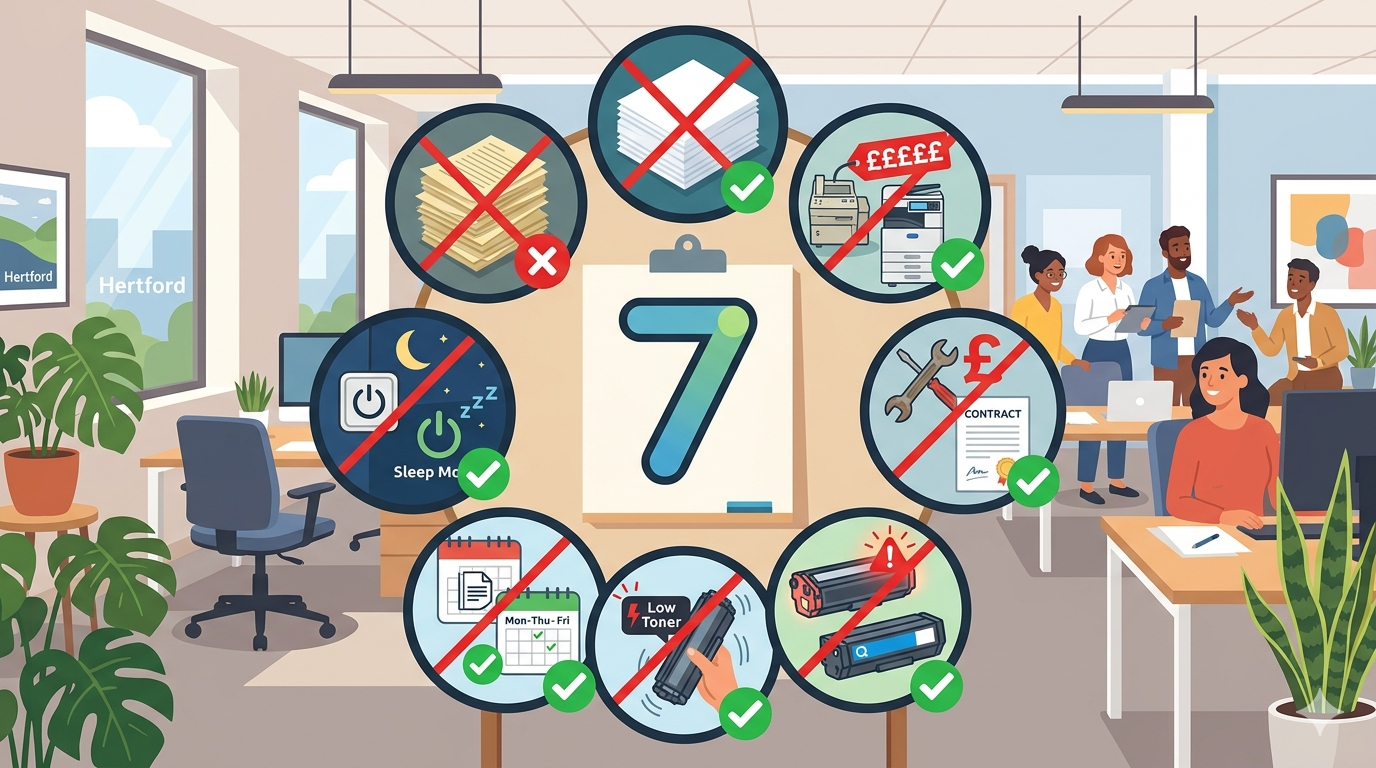
A practical guide — because what you think you know might be costing you
Office equipment comes with a lot of received wisdom. “You should turn it off at night.” “Cheaper paper saves money.” “Never buy compatible toner.”
Some of this advice is true. Some of it was true once but isn’t anymore. And some of it was never true at all.
The problem is that myths spread. Someone heard something from someone who heard it from someone else. And now it’s “just what everyone knows” — even when it’s wrong.
Believing these myths costs you money, shortens the life of your equipment, and makes your team less productive.
In this article, I’ll debunk the seven most common office equipment myths. No jargon. No hard sell. Just the facts, based on how modern equipment actually works.
Let’s dive in.
Myth 1: You Should Turn Your Copier Off at Night
The myth: Turning off your copier at the end of the day saves energy and extends its life.
The truth: Modern copiers are designed to stay on (in sleep mode) and turning them off daily can actually cause harm.
Why it’s a myth:
This belief comes from old technology. Decades ago, copiers used significant power even when idle. Turning them off made sense.
Modern copiers use very little power in sleep mode — often less than 1-2 watts. That’s pennies per year. The energy saving from turning them off is negligible.
But here’s the real issue: every time you power cycle a copier, you cause thermal expansion and contraction. Components heat up, then cool down, then heat up again. This daily stress wears out parts faster than leaving the machine in a stable, warm sleep state.
What you should do instead:
Leave your copier on. Let it enter sleep mode automatically (usually after 15-30 minutes of inactivity). The tiny amount of energy used is worth the extended lifespan.
The exception: If your office is closed for a week or more (holidays, shutdowns), turning it off is fine. For daily use, leave it on.
Myth 2: Cheaper Paper Saves You Money
The myth: The cheapest paper is the best value because it costs less per ream.
The truth: Cheap paper often costs more in the long run due to jams, reprints, and equipment damage.
Why it’s a myth:
Cheap paper is often thinner (70gsm instead of 80gsm), has rougher edges, and contains more dust and debris. These factors cause:
- More jams: Thin paper feeds poorly, especially through high-speed copiers.
- More misfeeds: Rough edges catch on rollers and guides.
- More wear: Paper dust accumulates inside the machine, accelerating wear on rollers and sensors.
- Poorer print quality: Ink and toner don’t adhere as well to cheap paper. Text can look faded or bleed through.
The maths:
| Paper type | Cost per ream | Jams per month | Time lost per jam | Monthly cost of jams (time) |
| Cheap paper | £2.00 | 8 | 5 minutes | 40 minutes = £13-20 |
| Quality paper | £3.00 | 1 | 5 minutes | 5 minutes = £2-3 |
The quality paper costs £1 more per ream but saves £10-18 in staff time. That’s a return on investment of 1,000%+.
What you should do instead:
Buy 80gsm paper from a reputable brand. It doesn’t need to be the most expensive, but avoid the very cheapest. For client-facing documents, consider 90-100gsm for a premium feel.
Myth 3: Compatible Toner Will Damage Your Printer
The myth: Only genuine manufacturer toner is safe to use. Compatible or remanufactured toner will damage your equipment.
The truth: High-quality compatible toner is safe and can save you 30-50%. But cheap, no-name compatible toner can cause problems.
Why it’s a myth (and partially true):
This myth exists because there’s a grain of truth. Some compatible toner is terrible. It leaks. It produces poor quality. It can damage printers.
But not all compatible toner is equal. High-quality compatible and remanufactured cartridges from reputable suppliers perform nearly identically to genuine cartridges — at a fraction of the cost.
The difference:
| Type | Quality | Risk | Cost |
| Genuine (manufacturer) | Excellent | Very low | 100% |
| Premium compatible (reputable supplier) | Very good | Low | 50-70% |
| Cheap compatible (unknown source) | Poor | High | 30-50% |
What you should do instead:
Buy compatible or remanufactured toner from a trusted supplier with a good returns policy. Test a small batch first. If it works well, continue. Avoid the very cheapest options from unknown online sellers.
Pro tip: Ask your supplier about their quality control process. A reputable supplier will be happy to explain.
Myth 4: You Should Replace Toner When the “Low” Warning Appears
The myth: When the printer says “low toner,” you need to replace the cartridge immediately.
The truth: Most printers continue printing for hundreds of pages after the “low” warning appears.
Why it’s a myth:
Manufacturers set the “low” warning conservatively. They’d rather you replace early than run out mid-job and blame them.
Most laser printers use a calculation (based on page count and coverage) to estimate toner level. That estimate is often wrong — on the side of caution.
In many cases, you can shake the cartridge gently to redistribute remaining toner and get another 200-500 pages.
Real example: A small business was replacing toner every time the warning appeared — every 3-4 weeks. They started shaking the cartridge and waiting until the print quality actually degraded. Cartridges lasted 5-6 weeks. That’s 30% fewer cartridges per year.
What you should do instead:
When the “low toner” warning appears:
- Continue printing normally
- If quality degrades (faded or streaky prints), shake the cartridge gently
- Continue printing until quality is unacceptable
- Replace only when you have to
Pro tip: Keep a spare cartridge on hand (just in time method). When you open the spare, order the next one. You’ll never run out, and you’ll never replace prematurely.
Myth 5: You Need to Print a Test Page Every Day
The myth: Printing a test page daily keeps the printer healthy and prevents issues.
The truth: Daily test pages waste paper, toner, and time — and do nothing to prevent problems.
Why it’s a myth:
This myth comes from the era of inkjet printers, where nozzles could dry out if not used regularly. Even then, a daily test page was excessive.
Modern laser printers don’t have this issue. Toner is powder. It doesn’t dry out. The printer’s internal cleaning cycles (automatic) are more effective than any test page.
What you should do instead:
A weekly test page is useful for checking print quality and catching gradual decline. But daily is complete overkill.
Better approach: Print a test page weekly. Look for streaks, fading, or other quality issues. That’s enough to catch problems early without wasting resources.
Myth 6: More Expensive Equipment Always Means Better Quality
The myth: Paying more gets you a better machine that will last longer and perform better.
The truth: Price correlates with features and volume capacity, not necessarily with reliability or print quality for your specific needs.
Why it’s a myth:
A £5,000 high-volume production copier is more expensive than a £500 desktop printer. But if you only print 500 pages per month, the expensive machine is overkill. It won’t give you better print quality for your basic documents. It will just cost more and take up more space.
Conversely, the cheapest printer on the market might have poor quality and short lifespan. But the mid-range option — often only slightly more expensive — might be excellent.
The sweet spot is rarely the cheapest or the most expensive. It’s the machine that matches your actual volume and needs.
What you should do instead:
- Match the machine to your monthly volume (duty cycle should be 2-3x your actual usage)
- Look at total cost of ownership (upfront + toner + service), not just the price tag
- Read reviews from other businesses of similar size
- Ask for a demo with your actual documents
Pro tip: A reliable £800 machine that lasts 5 years is better value than an unreliable £500 machine that lasts 2 years.
Myth 7: You Don’t Need a Service Contract for a New Machine
The myth: New machines are reliable. You can save money by skipping the service contract and paying for repairs as needed.
The truth: Even new machines need maintenance. And without a service contract, you pay premium rates for every call.
Why it’s a myth:
New machines are reliable. But they’re not immune to problems. Paper dust accumulates. Rollers wear. Firmware needs updates. Users make mistakes.
Without a service contract, you pay:
- A call-out fee (£80-150)
- Hourly labour (£50-100 per hour)
- Parts at full retail
A single unexpected repair can cost more than a year of service contract.
With a service contract, you pay:
- A predictable monthly or annual fee
- All call-outs and labour included
- Often parts and toner included
The maths:
| Approach | Annual cost (typical) | Peace of mind | Surprises |
| No contract, pay as you go | £0-500 (unpredictable) | Low | Yes, often |
| Service contract | £150-300 (predictable) | High | No |
One major repair (£300-500) wipes out years of service contract savings.
What you should do instead:
For any machine used by more than a few people, get a service contract. For a personal or home office printer, pay as you go might be fine.
Pro tip: Look for contracts that include toner and consumables. It’s the simplest way to predict costs and avoid surprises.
The 7 Myths at a Glance
| Myth | Truth |
| 1. Turn your copier off at night | Leave it on. Sleep mode uses little energy and extends life. |
| 2. Cheaper paper saves money | Cheap paper causes jams and waste. Quality paper is cheaper in the long run. |
| 3. Compatible toner damages printers | High-quality compatible toner is fine. Avoid the very cheapest. |
| 4. Replace toner at “low” warning | Print until quality degrades. Shake cartridges to extend life. |
| 5. Print a test page daily | Weekly is plenty. Daily wastes paper and toner. |
| 6. More expensive = better quality | Match the machine to your volume. Mid-range is often the sweet spot. |
| 7. Skip the service contract on new machines | One repair can cost more than years of contract. Get the contract. |
Real Examples (Location-Neutral)
Here are a few examples of businesses that saved money by debunking these myths.
Example 1: The Nightly Power Cyclers
A small business turned their copier off every night and on every morning. They were replacing rollers and fusers every 18 months — far more often than expected.
The fix: They started leaving the copier in sleep mode overnight. Power usage barely changed. The next set of rollers lasted 3 years.
The lesson: Daily power cycling causes wear. Leave it on.
Example 2: The Cheap Paper Believers
A busy office bought the cheapest paper they could find. They accepted jams as normal. Staff were frustrated but didn’t connect it to the paper.
The fix: They switched to quality 80gsm paper. Jams dropped by 80%. Staff time saved paid for the paper many times over.
The lesson: Cheap paper is expensive in staff time.
Example 3: The Early Toner Replacer
An office manager replaced toner the moment the “low” warning appeared. She was buying 15 cartridges per year.
The fix: She learned to shake cartridges and wait until quality degraded. Cartridges lasted 30% longer. She now buys 10-11 cartridges per year.
The lesson: “Low” doesn’t mean “empty.”
Example 4: The No-Contract Gambler
A professional services firm skipped the service contract on their new copier. It was reliable for 18 months. Then the fuser failed. The repair cost £450. A service contract would have cost £200 for the year.
The fix: They bought a service contract for the replacement machine.
The lesson: One repair can cost more than years of contract.
Final Thoughts
Office equipment myths are everywhere. Some are harmless. Others cost you real money.
Leave your copier on at night. Buy quality paper. Use high-quality compatible toner. Don’t replace toner at the first warning. Print a test page weekly, not daily. Match equipment to your volume, not the highest price tag. Get a service contract.
None of this is complicated. It’s just knowing how modern equipment actually works.
If you’d like a friendly, no-pressure chat about office equipment — whether that’s debunking more myths, advice on purchasing, or just honest guidance — just reach out.
We’re independent. We’re here to help. And we won’t sell you things you don’t need