

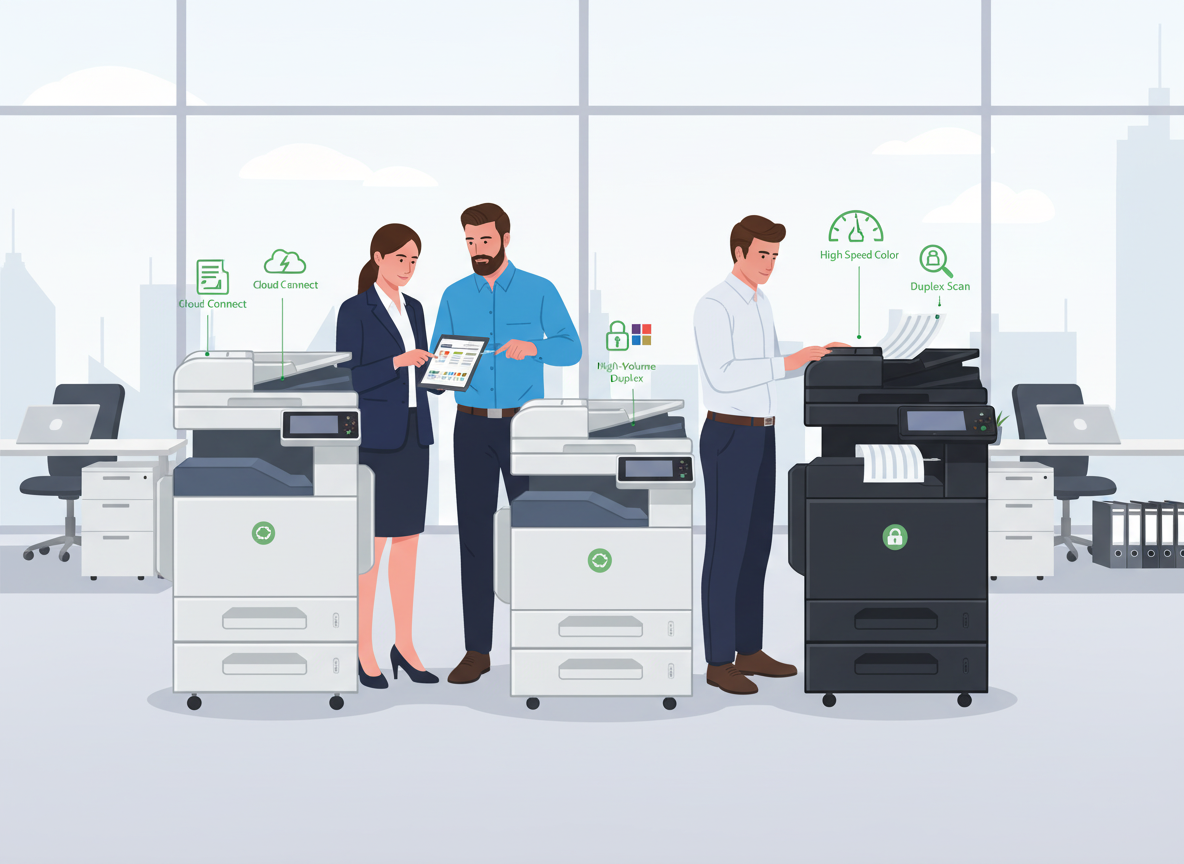
Choosing a new copier for your business feels like it should be straightforward. It’s just a box that makes copies, right? Wrong. Walk onto any supplier’s website, and you are immediately bombarded with spec sheets, print speeds, duty cycles, and resolution metrics that would confuse even an IT professional.
The problem is that none of that information actually helps you make the right business decision. Choosing a copier isn’t about finding the device with the most impressive specifications. It is about matching capabilities to how your business actually works the workflows you need to support, and the priorities that keep your finance and IT teams awake at night.
This guide cuts through the noise. Based on procurement best practices and insights from industry experts, here is a comprehensive, step-by-step approach to choosing the right copier for your business, one that saves you money, boosts productivity, and grows with you.
Step 1: Start with a Needs Assessment (Not a Feature List)
Before you even look at a single model, you must understand your starting point. What is the main document management challenge you are trying to solve? Are you drowning in paper because your current scanning workflow is too cumbersome? Is your finance team worried about runaway supply costs?
The Five Critical Questions to Ask Yourself:
- What is the purpose? Will you print only in black and white, or do you need colour for proposals and marketing materials? Do you need advanced features like scanning to email, optical character recognition (OCR), or automatic stapling?
- What is your print volume? You need an honest estimate of your average monthly pages. If you choose a device that cannot handle your volume, you will pay more for repairs and early replacement. If you choose one that is too big, you waste money on capacity you don’t need.
- What is your budget? Define this upfront. Will you pay outright (Capex) or spread the cost via a lease (Opex)?
- Who will use it? How many employees need access? A 5-person team has very different needs from a 50-person department.
- What are your “pain points”? Survey your team. What drives them mad about the current setup? Slow speeds? Frequent jams? Complicated scanning? This is your roadmap.
Step 2: Understand the Different Types of Copiers
Not all copiers are created equal. They generally fall into categories based on volume capacity and functionality. Choosing the wrong type is the most common and most expensive mistake businesses make.
By Technology and Output:
| Type | Best For | Key Characteristics |
| Monochrome Copier | Law firms, schools, text-heavy offices | Lowest cost per page, high-speed, reliable for B&W only |
| Colour Copier | Marketing, design, general business | Professional quality output, higher toner costs, versatile |
| Digital Multifunction (MFP) | Modern offices needing scanning/workflows | Network connectivity, cloud integration, advanced automation |
| Laser Copier | High-volume corporate environments | Extremely fast, durable, excellent text clarity |
| Inkjet Copier | Home offices, small businesses | Lower upfront cost, excellent photo quality, slower speeds |
By Volume Capacity (The “Grade” System):
- Home-Use/Personal Copier: 10–20 pages per minute (ppm), 1,000–5,000 pages/month duty cycle. Ideal for freelancers or a single home office.
- Office-Use Copier: 20–50 ppm, 10,000–50,000 pages/month duty cycle. Ideal for busy workgroups and business departments. Features duplex printing, ADF, and network connectivity as standard.
- High-Volume/Enterprise Copier: 50–100+ ppm, 50,000+ pages/month duty cycle. Built for corporate print hubs, print centres, and institutions. Includes multi-tray systems and advanced finishing.
Expert Tip: When selecting a copier, consider not only current needs but also future growth. Look for models with expandable paper trays, upgradeable memory, and cloud connectivity to ensure long-term scalability.
Step 3: Match Specifications to Your Workflow
Once you know the type of machine you need, you can dive into the specifications that actually matter for daily use.
Speed (Pages Per Minute)
Speed is about throughput. If multiple employees are waiting for the machine, you have a bottleneck.
- Small Offices (1-5 users): 15–25 ppm is sufficient.
- Medium Workgroups (5-15 users): 30–50 ppm handles the load comfortably.
- High-Volume Departments (15+ users): Look for 50+ ppm to keep workflows moving.
Paper Handling and Capacity
Refilling paper trays wastes time. If your team is constantly reloading paper, you are interrupting workflows.
- Tray Capacity: A small office might manage with 250–300 sheets. A busy department needs 1,000+ sheets to avoid constant refills.
- Automatic Document Feeder (ADF): If you regularly scan or copy multi-page documents, an ADF is non-negotiable. Look for a “Single Pass Document Feeder” (SPDF) for heavy scanning, it scans both sides in one pass, unlike a RADF which flips the page.
- Media Support: Does the machine handle envelopes, cardstock, or legal-sized paper through a bypass tray?
Scanning Capabilities
For many businesses, the copier is now primarily a scanning hub. If scanning is a key use case, prioritise these features:
- Scanning Speed: Look for high-speed scanning with intelligent document processing.
- Destinations: Can it scan directly to email, network folders, USB drives, or cloud services like Google Drive and Dropbox?
- OCR: Some models offer Optical Character Recognition to make scanned documents searchable.
Print Quality
- Resolution: Most business copiers offer at least 600 x 600 dpi, which is fine for text. For sharp graphics and crisp lines, 1200 x 1200 dpi is preferable.
- Output Quality: Ask for samples. Review text sharpness and, for colour, whether the vibrancy meets your expectations for client-facing materials.
Step 4: Evaluate the “Hidden” Features That Matter in 2026
Modern copiers are no longer just boxes that spit out paper. They are sophisticated network devices. Here are the features that separate a good investment from a great one.
Security
Modern MFPs are essentially computers with hard drives that store potentially sensitive documents. According to security research, many organisations have experienced print-related data breaches. Look for:
- User Authentication: PIN codes or ID card access to restrict who can use the machine.
- Secure Print Release: Print jobs sit in a queue and are only released when the user authenticates at the device. This prevents confidential documents from sitting in the output tray.
- Data Encryption: Both for documents stored on the hard drive and data transmitted across your network.
- Hard Drive Overwrite: Automatic wiping of temporary files after each job.
Mobile Printing and Cloud Integration
With hybrid work here to stay, employees need to print from anywhere. Ensure the copier supports:
- Mobile Printing: Apple AirPrint, Google Cloud Print, or manufacturer apps that allow printing from smartphones and tablets.
- Cloud Connectivity: Direct integration with Microsoft OneDrive, Google Drive, and Dropbox for scanning and printing.
Finishing Options
If you produce reports, proposals, or manuals, automated finishing saves hours of manual work. Look for models offering:
- Stapling (corner or double)
- Hole punching
- Booklet creation and folding
- Collation and sorting
Duplex Printing (Automatic Two-Sided)
This is non-negotiable. It cuts paper consumption by up to 50%, reduces costs, and supports sustainability goals. Ensure the device defaults to duplex to maximise savings ..
Energy Efficiency
Look for ENERGY STAR® certification. Certified devices can reduce power consumption by up to 35% compared to standard models, especially during idle times.
Step 5: Calculate the Total Cost of Ownership (TCO)
This is where most businesses go wrong. They look at the purchase price or monthly lease payment without factoring in the long-term costs. To avoid expensive surprises, calculate your TCO over 3–5 years.
The TCO Formula includes:
- Acquisition Cost: Purchase price or monthly lease payments.
- Consumables: This is the big one. Check the cost per page for toner. Some low-priced printers have expensive toner that doubles your long-term costs.
- Tip: Look for devices with long-life components. Some MFPs require you to replace the drum, developer, and toner as a single unit, while others have durable components that last the life of the device. High-yield consumables can reduce cost per page by up to 30%.
- Maintenance: Factor in service contracts, parts replacement (rollers, drums), and potential downtime.
- Paper: Duplex printing and waste reduction directly impact this line item.
- Energy: Energy-efficient models lower your electricity bills.
Step 6: Choose Your Acquisition Model
How you acquire the copier is as important as which copier you choose.
- Buying Outright: Higher upfront cost but usually saves money over 5+ years if you keep the machine long-term. You own the asset.
- Leasing: Common for small and medium businesses. Preserves capital, offers predictable monthly payments, and often includes maintenance and toner in the lease. Monthly payments typically range based on features and term length.
- Managed Print Service (MPS): The supplier takes over the entire print environment. They provide the equipment, supplies, maintenance, and even monitor usage remotely to optimise your fleet. This shifts the burden entirely to the vendor.
Step 7: Vet Your Supplier (The Most Important Step)
You are not just buying a box; you are entering a partnership. The vendor you choose can make or break your experience. When evaluating suppliers, ask:
- Local Support: Do they have a local service infrastructure? How fast is their response time? .
- Service Level Agreement (SLA): What is guaranteed? Next-business-day service? Four-hour response?
- Training: Do they provide ongoing training on the products?
- Reputation: Check reviews and ask for customer references. Speak to businesses like yours about their experience.
- Right-Sizing: Find a supplier that is big enough to cope with your volumes, but small enough that your business matters to them. When your account is meaningful to them, you get better service.
The Bottom Line
Choosing the right copier is a strategic decision that impacts your productivity, costs, and security for years. The best device isn’t the one with the flashiest features or the fastest print speed. It is the one that solves your actual problems, supports your team’s real workflows, and aligns with your operational priorities.
By following this guide, assessing your needs, understanding the types, calculating true costs, and vetting your partner, you can make a confident decision that serves your business well into the future